
1
Leave the tab. The work keeps going.
Research, generation, and analysis continue while you focus elsewhere.

Run long tasks in the background, get notified when results or approvals are ready, and open Quick Chat from anywhere.
Your team, chats, and workspace stay in sync.
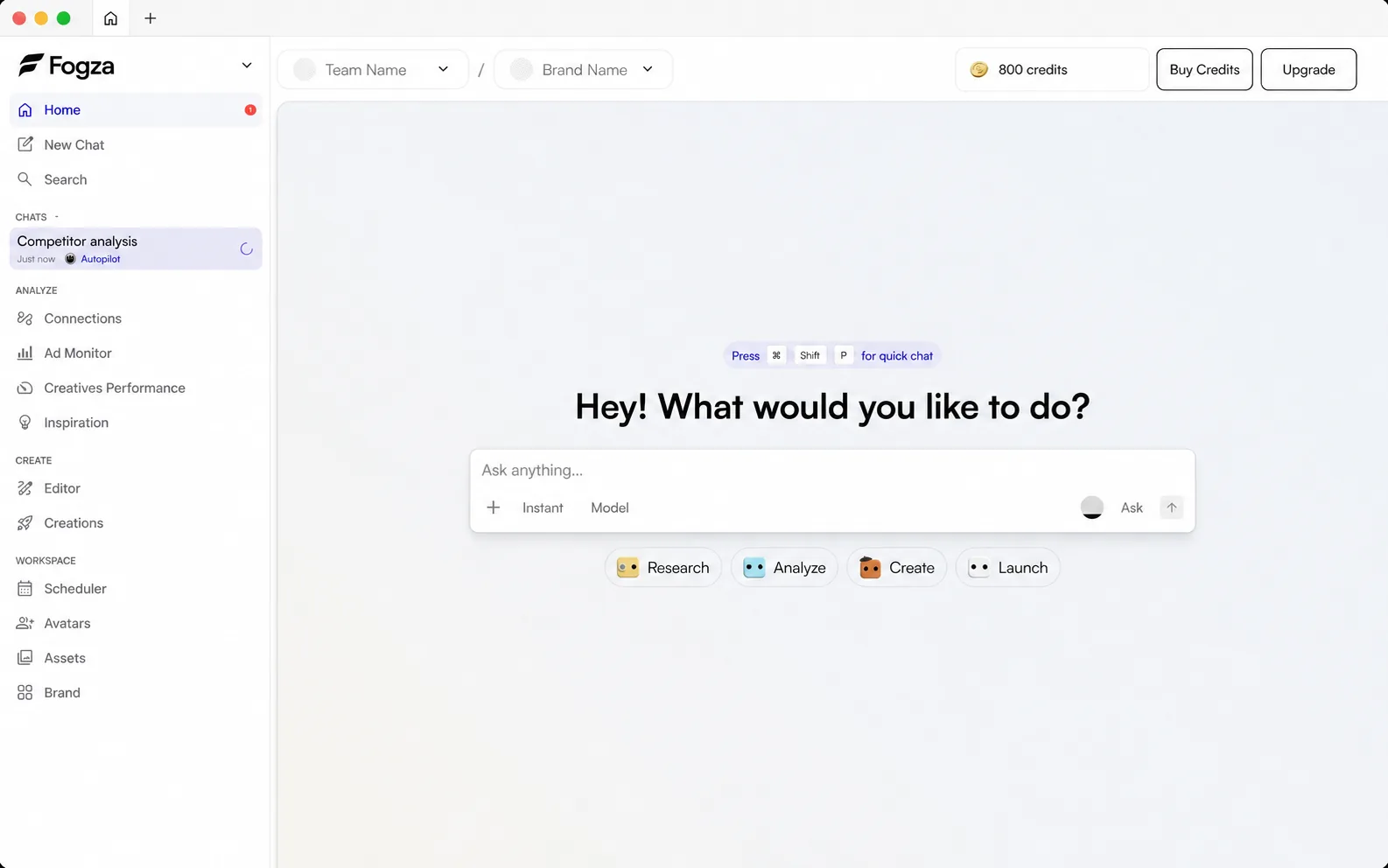
Research, generation, and analysis continue while you focus elsewhere.
Native notifications tell you when results or approvals are ready.
Open Fogza without finding the right browser tab first.
It keeps long-running work close, adds native task and approval notifications, and makes Quick Chat available from anywhere.
Yes. Sign in with the same Fogza account and your teams, chats, and workspace are available in both places.
Fogza can notify you when a task finishes, a result is ready, or work needs your approval.
Server-side tasks continue. Keep desktop notifications enabled so Fogza can tell you when to return.
Fogza supports macOS 12 or later on Apple silicon and 64-bit Windows 10 version 1903 or later.
Fogza Desktop checks for signed updates automatically and guides you when a new version is ready.
Come back when there is a result to review or a decision to make.